Video
Quiz Quest: Local MultiplayerEdition
Answer quizzes simultaneously in an immersive CAVE experience
Media: 12 Updated: Aug 23, 2026 Engine: Unity Platform: XR
Mission Brief
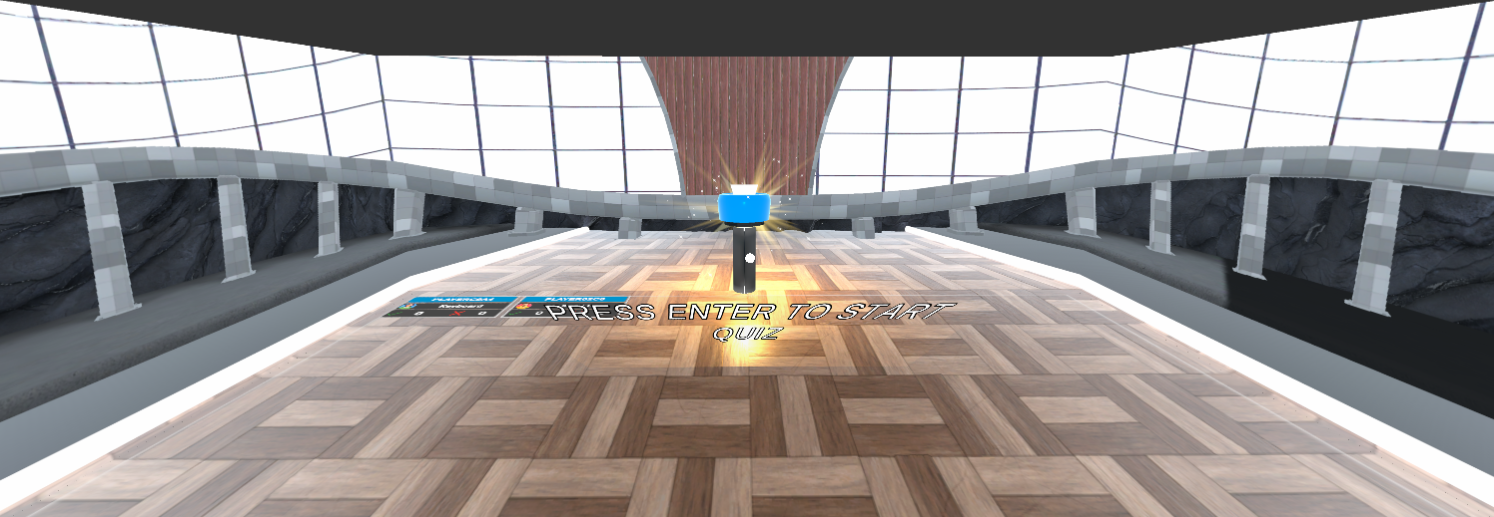
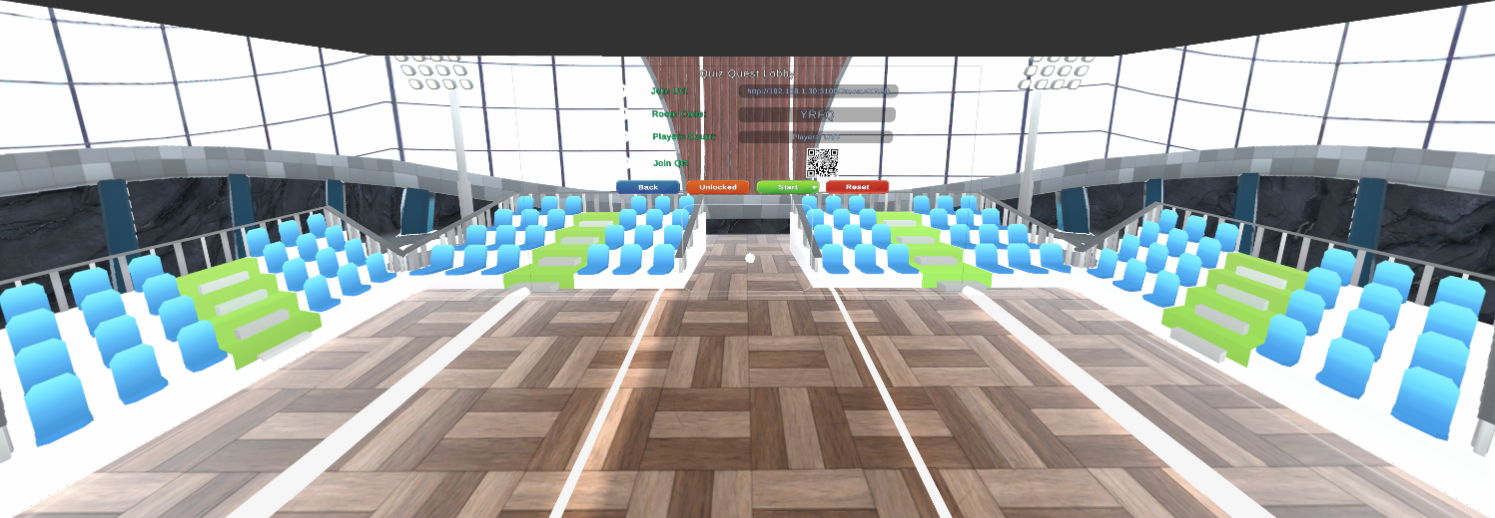
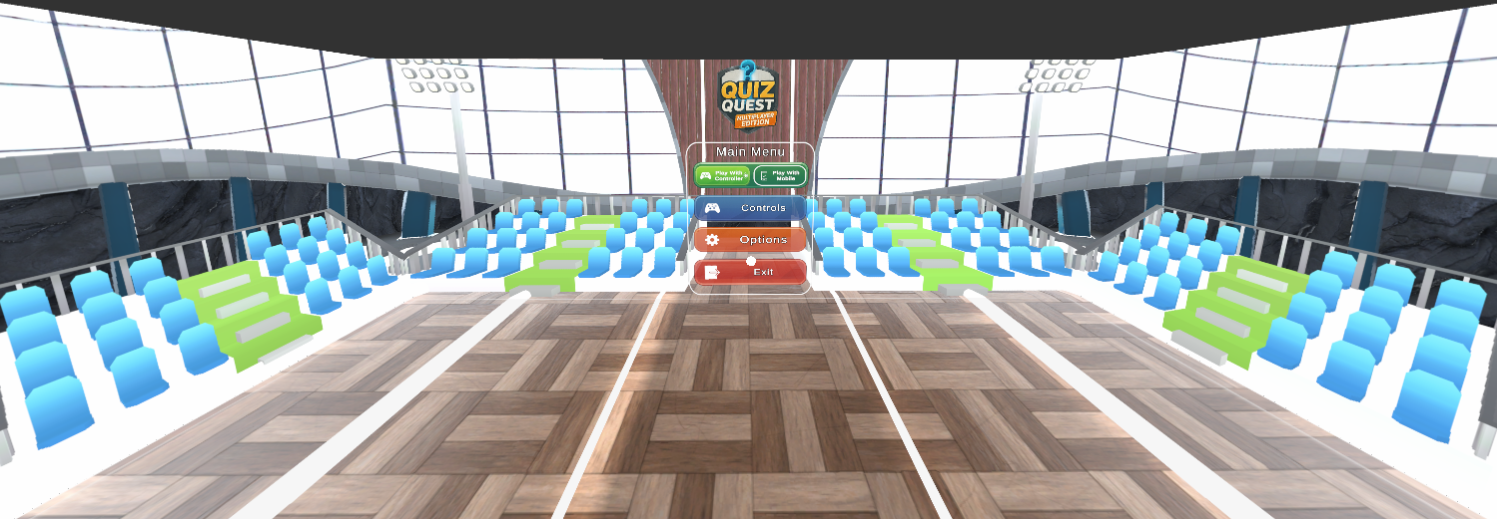
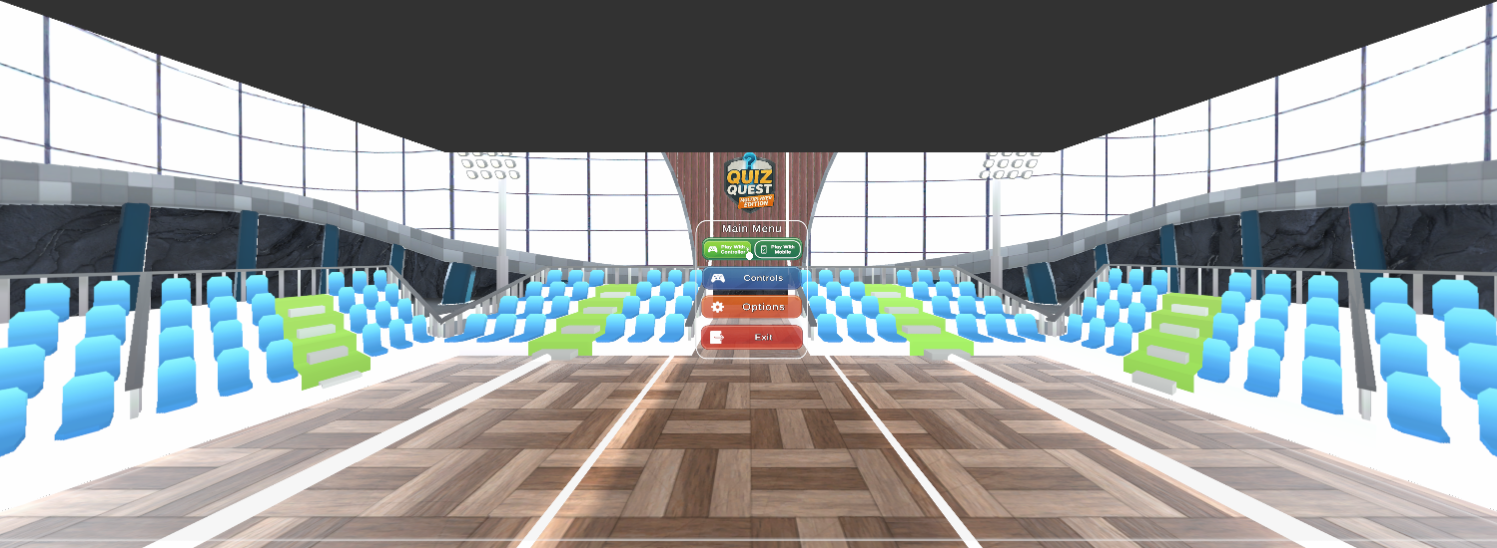
A multiplayer educational quiz experience designed for classrooms and immersive learning environments such as the Igloo CAVE. Each player uses a controller or keyboard to answer questions, with real-time score tracking, vibration feedback, and detailed performance reports.
4-6 simultaneous players
Mix of Xbox, PlayStation controllers + keyboard (Can be disabled)
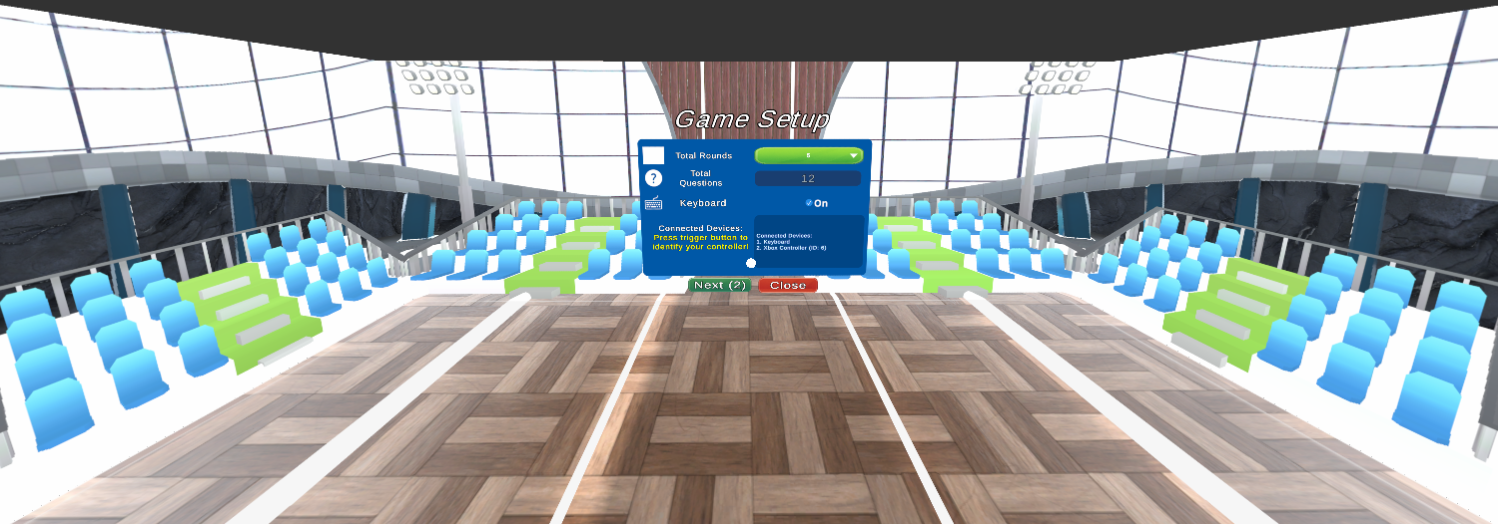
Automatic player controller detection via script
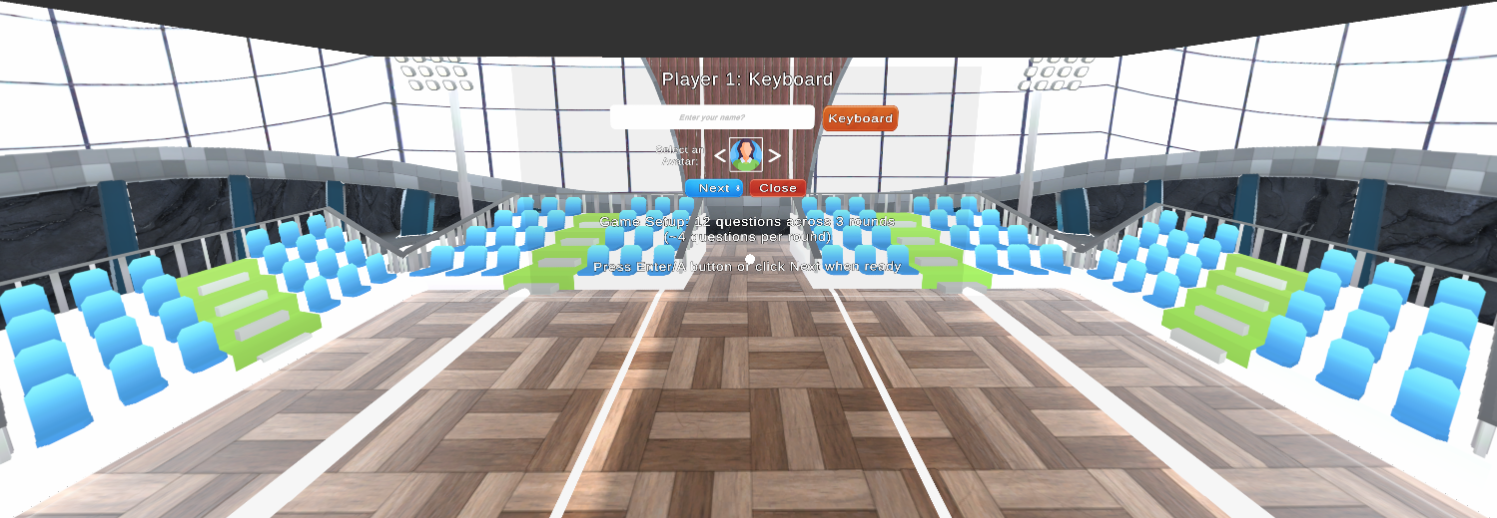
Player name entry and device info display
Real-time correct, wrong, and missed counts
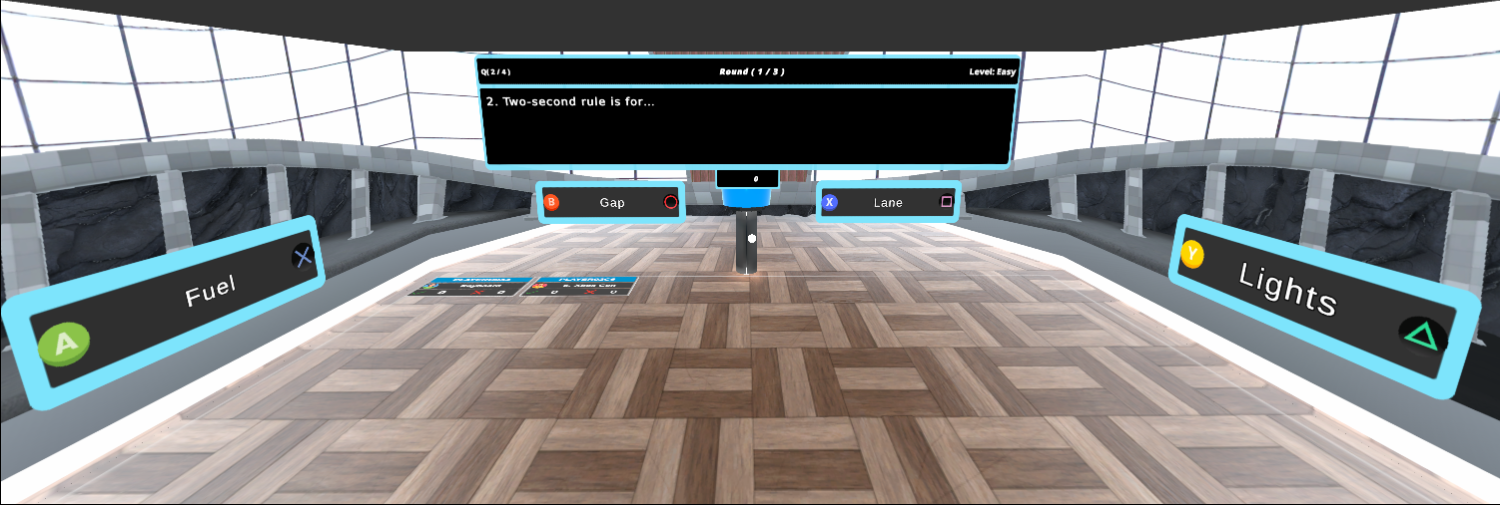
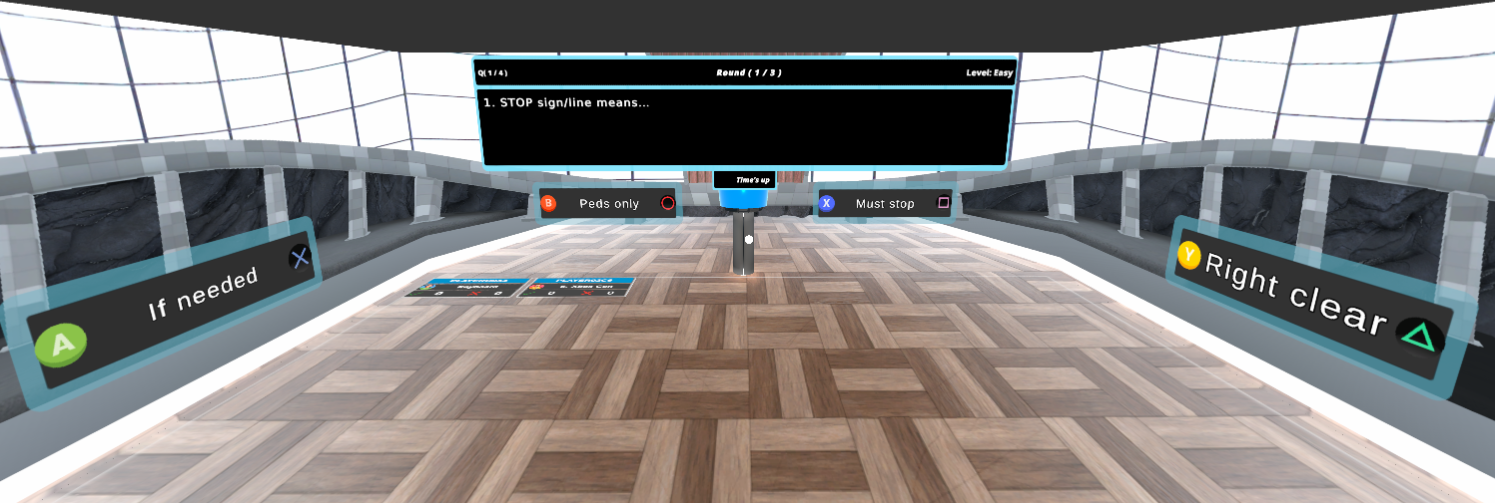
Xbox: A / B / X / Y buttons for answers
PlayStation: × / ○ / □ / △ buttons for answers
Keyboard: R / T / Y / U keys for answers
Unitys new Input System integration
Unique controller ID per player
Controller vibration feedback (Xbox supported)
Setup: Players enter their names, select round quantity and identify devices in the setup screen
Quiz Start: Rounds of multiple-choice questions begin
Answer Phase: Players press their assigned buttons to select answers
Visual Feedback: Player names becomes green when they choose an answer
Result Display: Correct option flashes green after all players answer
Score Update: Real-time score tracking visible to all players
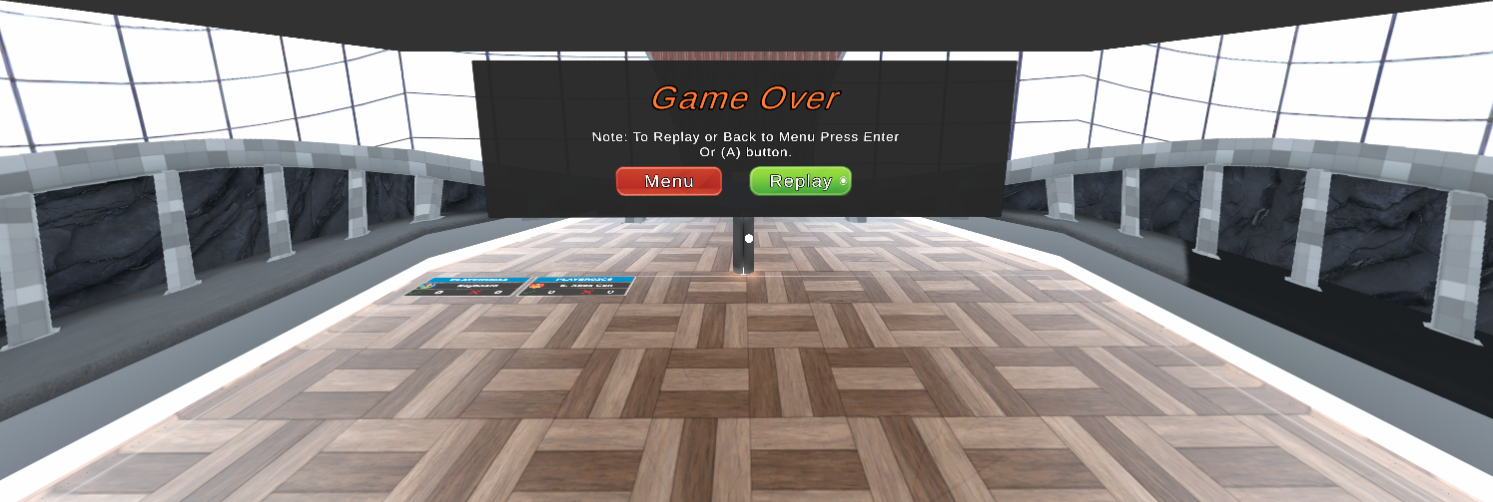
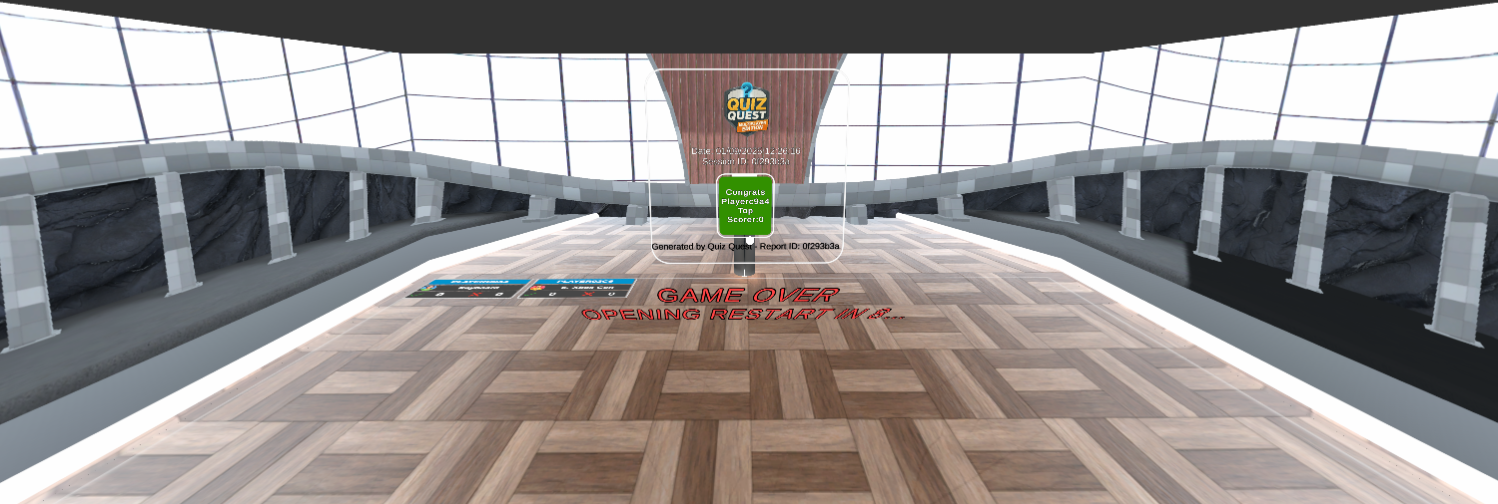
Auto-Reports: TXT and PDF reports generated automatically at session end
Player name flashes green when they choose an answer
Correct answer option flashes green after all responses
Player panel flashes green if answer is correct, otherwise flashes red if answer wrong.
Real-time stat updates on screen for all players
Clear display of correct/wrong/missed counts
Screen Space Canvas for CAVE multi-projector sync
JSON-based question files
Three difficulty levels: Easy / Medium / Hard
Adjustable round and question counts
Optional timer for each question
Automatic handling of missed questions after timeout
Multiple-choice format with 4 options per question
Every session generates comprehensive reports automatically at the end of the quiz:
Player names and devices used
Correct, wrong, and missed answer counts
Per-question results breakdown
Time taken per question
Optional remarks and explanations
Professional formatted report
One page per player with header and watermark
Summary cards with scores and timing
Table of all answers with details
Generated using QuestPDF library
A lightweight browser-based editor for teachers:
Export JSON files in game-ready format
Difficulty tagging and validation included
Works offline in any browser
PDF Generation via NuGet
Unity doesnt ship a native PDF API, so this project uses NuGetForUnity to integrate mature .NET libraries:
SkiaSharp – 2D drawing backend (QuestPDF dependency)
HarfBuzzSharp – Advanced text shaping (Unicode, ligatures, RTL)
Collaborative Learning: Students compete and learn together in shared space
Immediate Feedback: Visual confirmation of correct/wrong answers
Knowledge Recall + Reflex: Combines thinking speed with accuracy
Performance Tracking: Detailed reports for assessment and improvement
Engagement: Game-like format increases student participation
Group Sessions: Perfect for classroom quizzes, campus exhibitions, or CAVE demos
[
{
"category": "Easy",
"question": "What is 2 + 2?",
"options": ["1", "2", "3", "4"],
"correctAnswerIndex": 3
}
]
Expanded controller support (more device types)
Enhanced visual effects and animations
Difficulty progression system
Team mode (collaborative answering)
Igloo CAVE systems offer 360° wall and floor projection, transforming simple games into fully immersive learning experiences. Multiple players can physically share the same space while answering on their individual controllers, creating a unique blend of physical co-location and competitive learning.
QuestPDF – Free for community / educational use
SkiaSharp / HarfBuzzSharp – MIT License
Unity Project – Educational / Non-commercial use
Case Study
1 Problem
Create a shared quiz experience for an Igloo CAVE where several players can answer during the same session.
2 My Contribution
Developed the Unity implementation for multi-controller input, question flow, scoring feedback, CAVE display, and session reports.
3 Technical Work
The build handles controller detection, player input mapping, JSON question data, real-time score updates, CAVE camera and canvas presentation, and PDF report generation.
4 Result
Completed a local multiplayer edition supporting four to six players using a mix of controllers and keyboard input.
5 Technology
Unity C# Igloo CAVE Unity Input System JSON QuestPDF
Development Squad
Sagor Ahamed
Unity Developer, Graduate CAVE Intern


In-Engine Captures